Try this out for yourself:
After a few seconds, Lycos will return the list to you. It may seem slow, but it is searching over a million HTML documents. But sometimes, the service is busy and won't perform your search. Just try again, later.
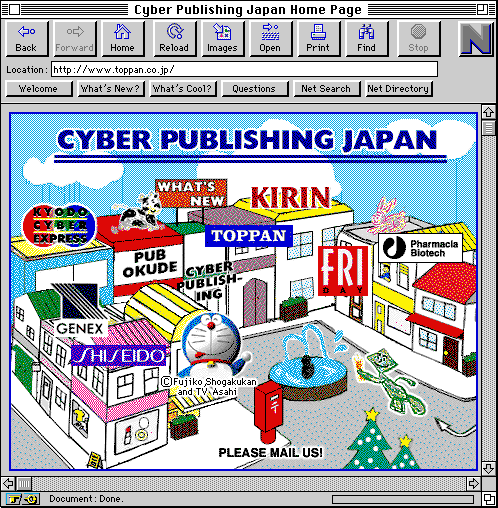
Now, you can browse the list of sites as you wish. Here's something we discovered on the Web through our Lycos search for publishing-related URLs:
![[Forward]](../buttons/forward.gif) Go to the Lycos Home Page -- don't get lost!
Go to the Lycos Home Page -- don't get lost!
![[Back]](../buttons/back.gif) Back to Advanced Web Searching
Back to Advanced Web Searching